Graphic Families, Variation Systems, and Collection Rhythm
A collection can contain several strong graphics without reading as one coordinated release. The difference usually sits in the relationships among artwork, garments, placements, and presentation assets.
Start with a controlled comparison: the same graphic set, garment, audience, and launch context. Change one visible variable at a time, such as scale, placement, garment tone, or colorway. The task is to identify which relationships hold and which changes break the set.
More specific pages
These pages continue the topic in smaller, more specific directions.
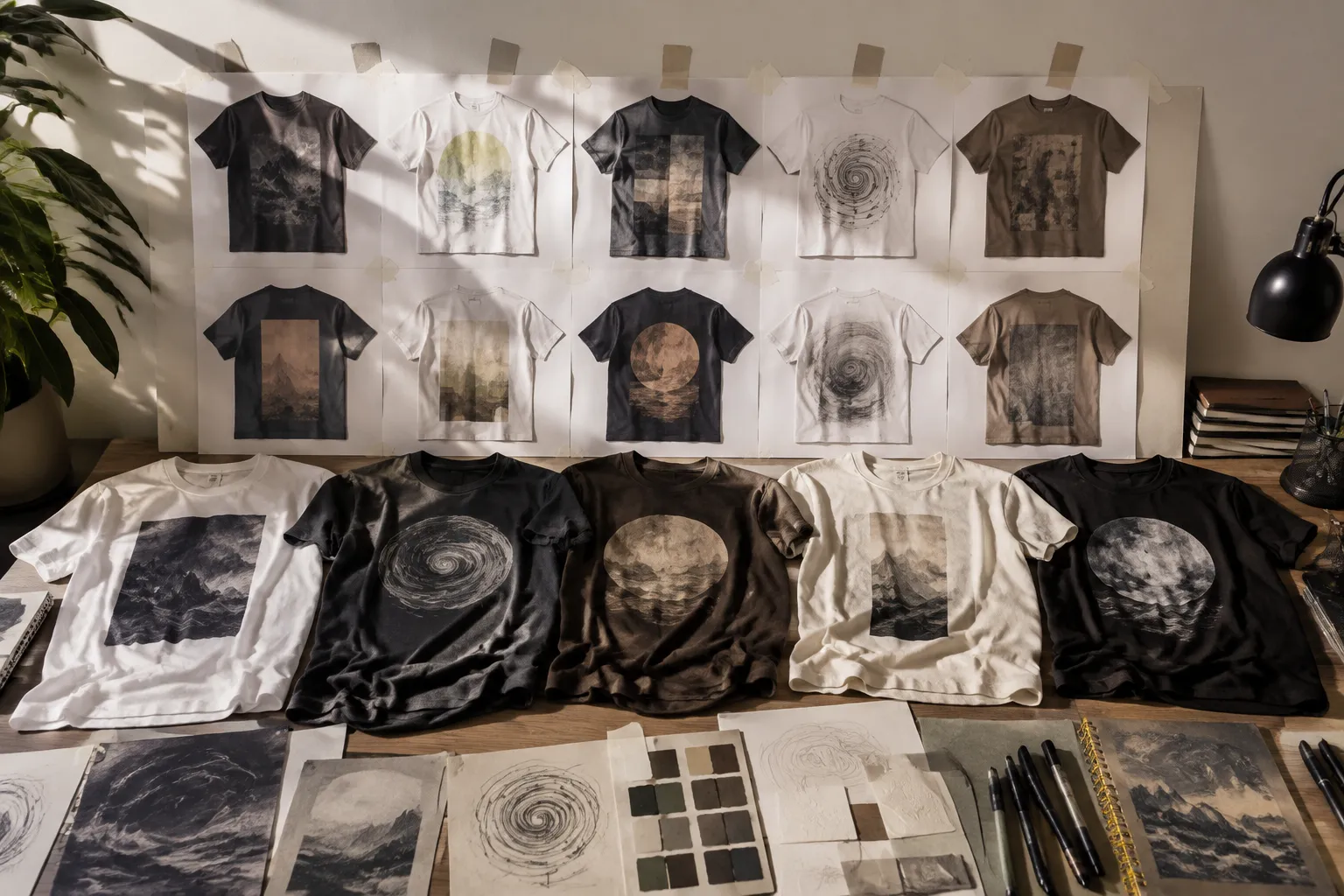
Define the Graphic Family Before Adding Variations
A coordinated graphic family shares selected properties without repeating every element. Those properties may include motif structure, line treatment, type system, proportions, color relationships, texture, or placement logic.
A member can change its subject, scale, orientation, or garment position. It still needs a visible reason to belong. Record that reason as an intended family rule rather than an impression only one reviewer can explain.
A practical family brief identifies:
- The motif, structure, or treatment shared across the set
- The elements allowed to change between members
- The elements expected to remain stable
- The intended garments, tones, print areas, and placements
- The role of each member in listing frames and campaign assets
- The questions reserved for provider review or physical sampling
Similarity Is Not the Same as Family Relationship
Two graphics can share colors yet follow different visual systems. Other members may use different palettes while retaining a stronger connection through motif structure, line weight, spacing, or composition.
Color should be judged relationally: adjacency, proportion, distribution, contrast, and garment context all affect the read. A balanced artboard can lose contrast on a darker garment or become visually dense inside a smaller print area.
Repeat structures add another variable. Rotation, reflection, spacing, and negative space can change collection rhythm while preserving the original motif unit. The relevant question is not whether two files look alike, but which visual relationship survives their changes.
Apparel Graphic Variation Matrix for a Coordinated Collection
An apparel graphic variation matrix records what the team is comparing before production confirmation. It is not a quality score or evidence of a produced result.
| Variable | Keep stable | Allow to vary | Review question | Next check |
|---|---|---|---|---|
| Family structure | Motif logic and core treatment | Subject, crop, rotation, or detail | Do the members still read as related? | Team comparison |
| Print area and placement | Selected garment and provider context | Front, back, sleeve, pocket, or all-over treatment | Does the graphic retain its hierarchy? | Current provider template |
| Scale | Garment and viewing frame | Small, medium, or larger treatment | Does the graphic read at thumbnail and garment size? | Sample where needed |
| Garment tone | Garment model | Light, mid, or dark tone | Does contrast or emphasis change? | Sample or direct confirmation |
| Colorway | Family color relationship | Accent, background, or garment-compatible palette | Does the change preserve the family rhythm? | Color and production check |
| Asset state | Artwork identity | Concept preview, listing frame, or production input | Is a presentation change being mistaken for a design change? | Clear stage label |
Add owner, review date, source record, and unresolved dependency fields when the decision must travel between teams. Use precise states: intended, simulated, observed, sampled, approved, and produced describe different points in the workflow.
Variables That Change the Collection Read
Motif, Module, and Repeat
A motif carries recognizable visual identity. A module or repeat unit creates rhythm through repetition, rotation, reflection, spacing, and cropping.
For a front graphic, the motif may carry most of the family relationship. In a repeated or all-over treatment, the spaces between units become equally visible. Closely aligned elements can create unintended lines, gaps, or empty channels.
- Compare motif shape and internal detail.
- Check spacing, rotation, reflection, and negative space.
- Inspect crops at every proposed print-area edge.
- Separate intended repeat scale from produced dimensions.
A repeat that appears orderly on an artboard may become narrow or fragmented on a sleeve. That result remains unconfirmed until checked against the selected product workflow.
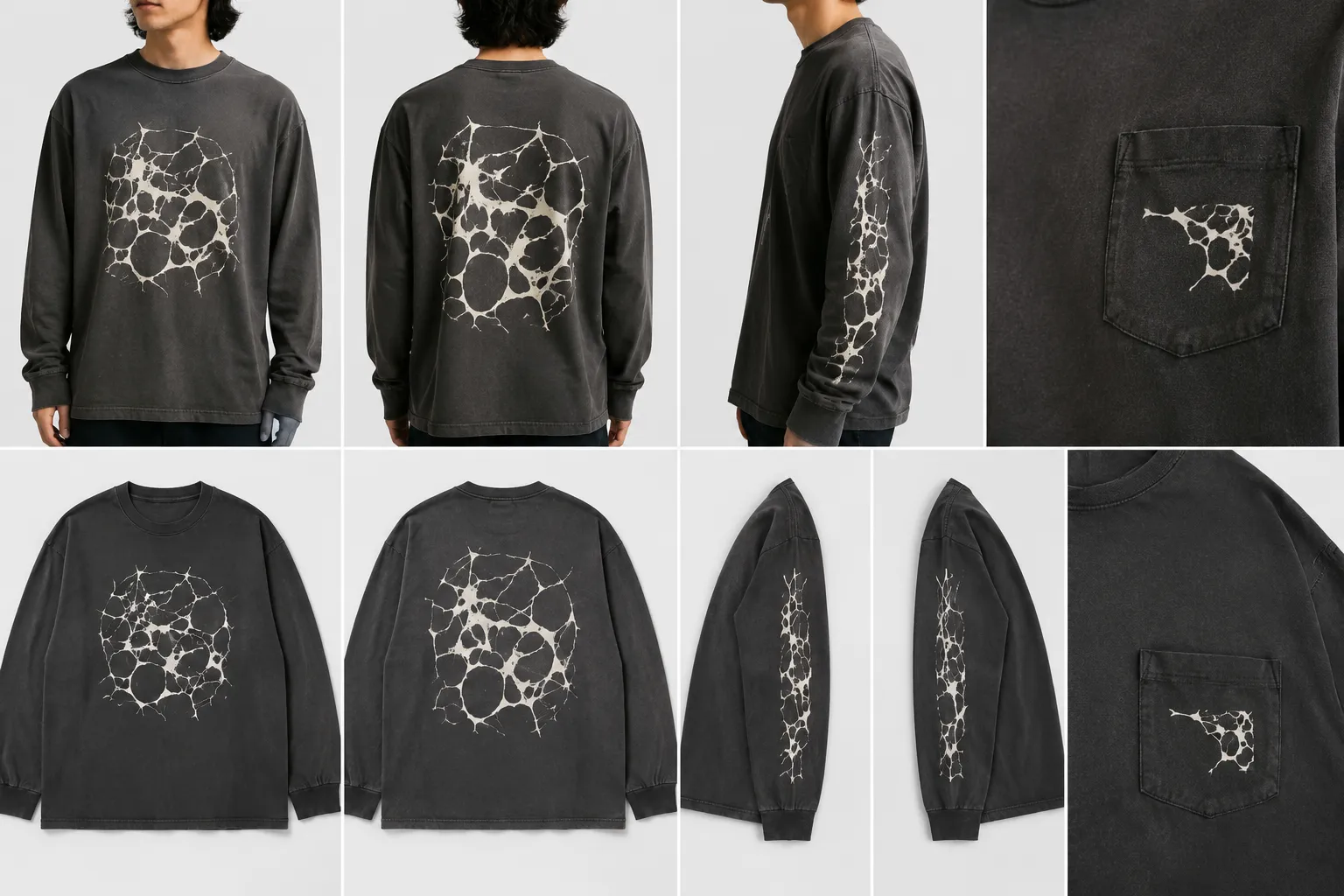
Scale and Placement
Scale and placement change perceived hierarchy. Identical artwork can serve as a quiet chest mark, a primary front graphic, or a larger back statement.
Compare these variables on the same garment first. Look for disappearing details, dominant visual weight, lost identifying features, or placements that sit outside the current provider template.
A mockup can reveal hierarchy and collection rhythm. Produced dimensions, registration, fabric interaction, and final appearance require later confirmation.
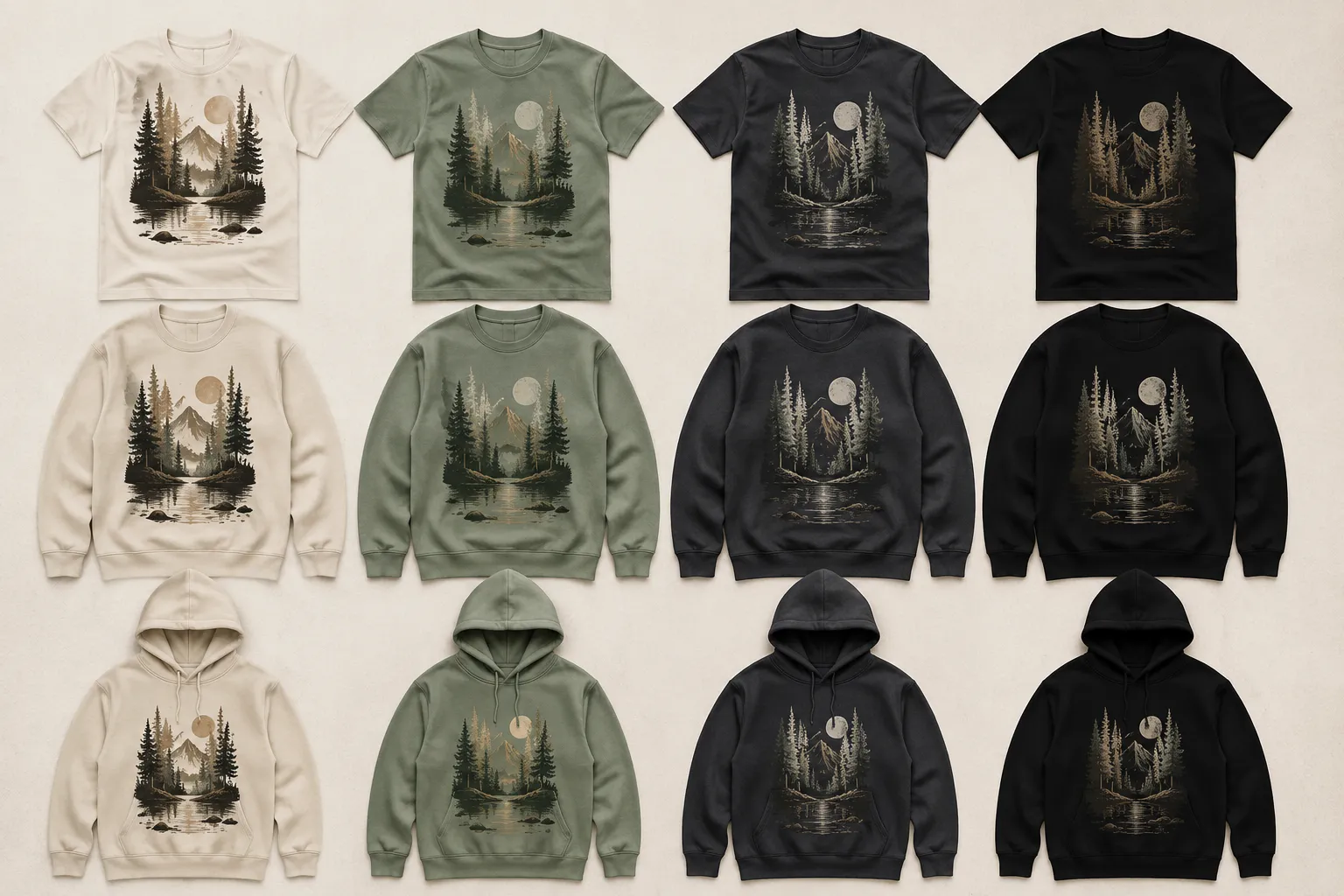
Garment Tone and Colorway
Garment tone is part of the comparison, not a neutral background. It can alter edge visibility, accent balance, and the apparent proportion of light and dark areas.
- Identify the color that anchors the family.
- Record which accents may change between members.
- Check whether the background merges with the garment.
- Compare color proportions across the full set.
- Note when the garment becomes an unintended family color.
These observations support an intended colorway decision, not a universal audience or commercial claim. Fabric, print method, color conversion, and final appearance may require a physical sample or direct provider input.
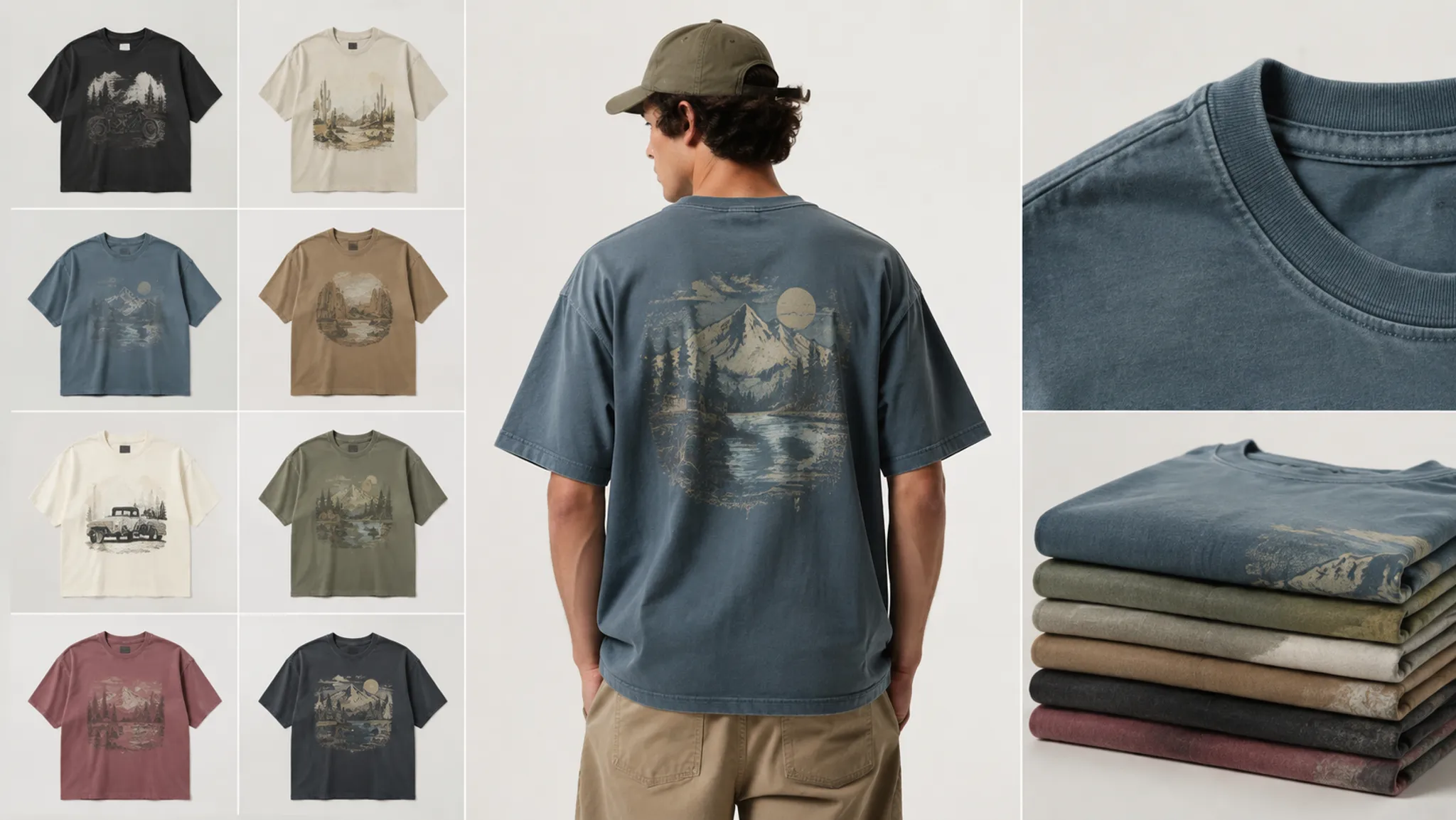
Compare Family Members in a Controlled Frame
A graphic family can appear inconsistent when every member is shown on a different silhouette, tone, placement, or crop. Reviewers may be responding to the presentation context rather than the artwork relationship.
- Place every member on the same garment model where possible.
- Use the same viewing scale, background, and listing frame.
- Label each asset as intended, simulated, observed, or sampled.
- Compare all members on one garment tone before changing colorways.
- Test placement changes while keeping the member identity clear.
- Inspect product-specific constraints against the current provider template.
This sequence exposes a common misread: one graphic appears stronger because its mockup offers better contrast or a more favorable crop.
Read Collection Rhythm at Three Distances
- Thumbnail view: Check recognition, density, contrast, and visual weight across the set.
- Garment view: Compare hierarchy, placement, scale, and interaction with garment tone.
- Listing view: Inspect whether crops, backgrounds, and product frames create a coherent sequence.
Coherence does not require uniformity. A collection may include a quiet member, a central statement, and a supporting graphic. The range works when those roles are intentional and recorded.
Separate Mockups from Production Assets
A simulated mockup places artwork in a presentation context. A production input contains artwork and file properties prepared for a specific workflow. They may share a graphic, but they answer different questions.
A mockup can hide print-area limits, placement boundaries, garment-specific crops, file requirements, color conversion, and details that may not carry into production. Provider guidance can expose these checkpoints, but its requirements remain specific to the cited product and workflow.
Keep two references in the handoff:
- Concept preview: the simulated collection mockup used for visual comparison
- Production input: the provider-specific artwork file prepared for the next stage
Record the provider, product, template review date, file state, and unresolved question. File guidelines, templates, print areas, product availability, and platform rules can change, so current details need dated attribution.
An accepted upload addresses one technical checkpoint. It does not establish collection coherence, usage permission, marketplace acceptance, manufacturing outcome, or demand.
A Practical Review Sequence
- Define the family rule. Name the recurring motif, treatment, proportion, color relationship, or placement logic.
- Fix the context. Select the garment, tone, audience, launch use, and listing frame.
- Inspect the set at thumbnail size. Record changes in recognition, density, contrast, and dominance.
- Compare scale and placement. Note where details disappear, hierarchy shifts, or identifying features are cropped.
- Test tone and colorway relationships. Separate visible preference from questions requiring physical confirmation.
- Label each asset stage. Keep campaign frames, concept previews, and production inputs distinct.
- Identify the sampling threshold. Escalate fabric, final color, exact placement, and produced appearance questions.
- Assign the revision. Connect each observed failure to an owner and next action.
| Observed issue | Revision action |
|---|---|
| Loses contrast on the garment | Revise the colorway or compare another garment tone. |
| Breaks the set | Restore a shared motif, treatment, proportion, or spacing relationship. |
| Feels too dominant | Reduce scale or assign a different collection role. |
| Crops an identifying feature | Revise the artwork boundary or placement. |
| Sits outside the provider template | Check the current product specification before revising. |
| Remains unconfirmed | Assign a sample or provider-confirmation owner. |
Build the Graphic Handoff Record
The handoff should preserve both creative intent and unresolved production questions. Configuration and traceability research supports carrying identifiers, color references, dependencies, intermediary assets, and technical deliverables through later apparel stages.
- Collection name and family rule
- Graphic member identifier
- Intended garment, tone, print area, placement, and scale
- Colorway name and color relationship
- Concept preview and production-input filenames
- Current provider template or file-guideline reference
- Asset state: intended, simulated, observed, sampled, approved, or produced
- Rights and usage source record
- Open questions, assigned owner, and next confirmation point
- Review date for changeable provider information
Do not collapse approved and produced into one state. Approval can describe a team decision before sampling, while produced refers to a later physical result.
The rights source record also remains separate from visual assessment. The matrix can show that permission is unresolved, but it cannot resolve that question.
Common Collection-Review Misreadings
Shared colors automatically create a family
Color may support the relationship, but it does not replace motif, line, spacing, scale, and composition checks.
A polished mockup shows the produced result
A mockup organizes a visual comparison. Physical output may differ because of product, placement, fabric, process, and provider-specific variables.
Passing an upload check means the collection is ready
An upload check addresses a limited workflow requirement. Other creative, rights, marketplace, sampling, and production decisions remain separate.
One provider's rules apply to every printer
Templates and file guidance belong to the named provider, product, and review date unless broader applicability is independently established.
A stronger garment mockup proves stronger artwork
The garment may be supplying contrast, scale, silhouette, or hierarchy. Return the member to the controlled comparison before revising the family rule.
Decision and Next Handoff
A coordinated family is ready for the next planning stage when its shared relationships are visible, its variables are named, and each unresolved dependency has an owner.
Carry intended garment choices into product selection. Send current provider checks with the production input, and keep source-rights records available for the responsible review. Physical samples should answer the appearance questions that previews cannot settle.
The final record should state what is intended, simulated, observed, sampled, approved, produced, or still unconfirmed. That distinction gives the next team a usable decision rather than a polished but ambiguous mockup.
Sources
- An Integrated Printed Textile Design and Apparel Product Development Process
- Configuration Management and Traceability in the Apparel Industry
- A Graph-Based Representation Method for Fashion Color
- What are the file guidelines for Printful products?
- Printful product templates and design placement guidance