Apparel Collection Brief Open-Input and Decision Log
An apparel collection brief should make one decision reviewable before the team sends it to the next stage. Record the collection intent, compare apparel collection options against the same context, label the evidence stage, and assign each unresolved point to an owner.
A simulated mockup can show composition, placement, garment tone, and listing context. It cannot confirm a physical print, provider limit, rights status, marketplace acceptance, or produced result.
What the Brief Should Decide
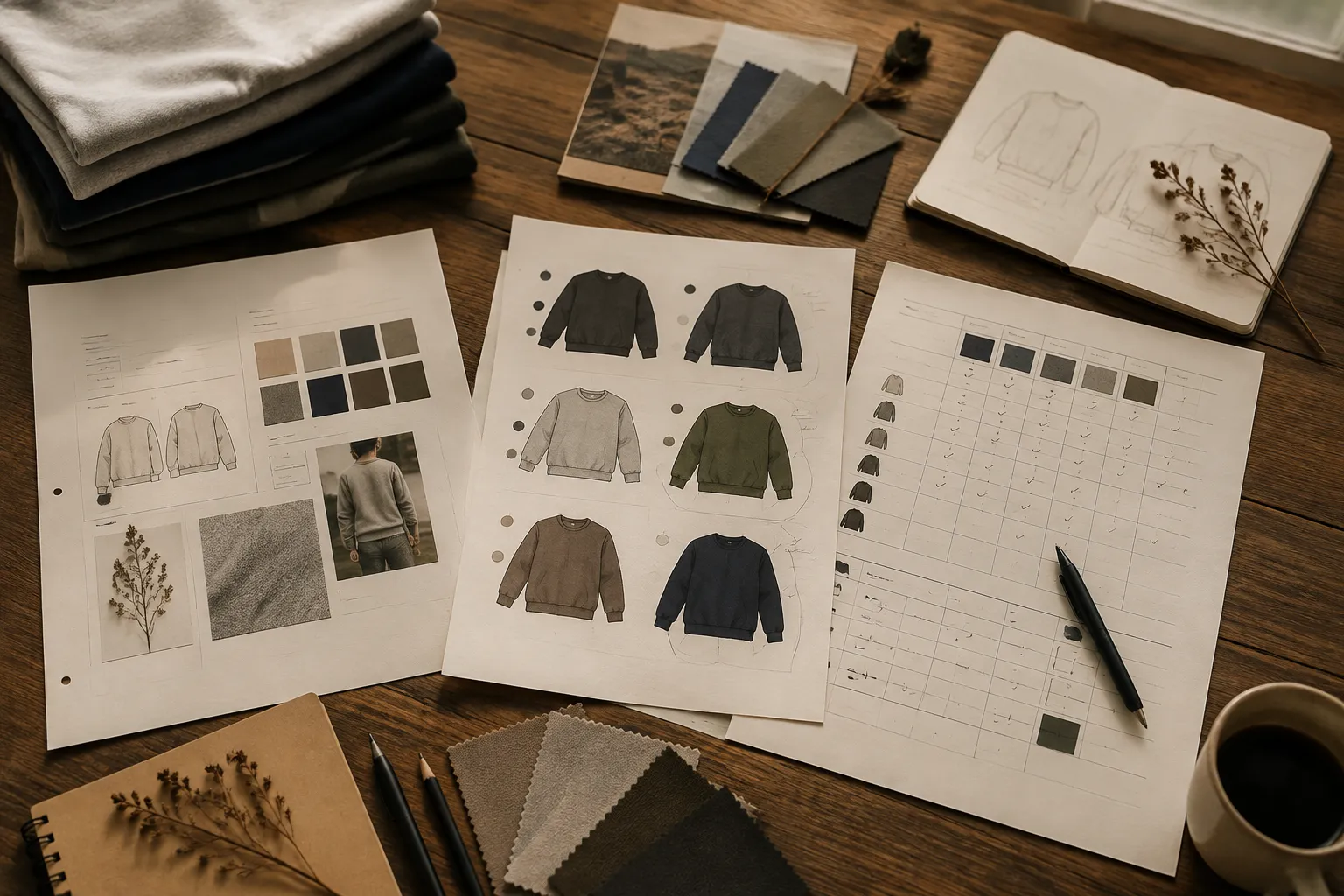
Keep the brief readable at two levels:
- Collection level: what the graphic set communicates and how the items relate.
- Product level: what each garment option contains, where the graphic sits, and what still requires confirmation.
One collection may have a shared intent while its products use different placements, colorways, garment tones, or print areas. Keep those decisions separate so a product preference does not quietly become a collection rule.
The brief should answer five working questions:
- What is the collection trying to express?
- Which apparel options are being compared?
- What can the team observe from the current assets?
- What remains unconfirmed?
- What decision or handoff happens next?
Use stage labels throughout: intended, simulated, observed, sampled, approved, or produced. These labels describe different amounts of information and should not be collapsed into one status.
Apparel Collection Brief Template
Copy these fields into the team’s working document and adjust them to the project.
Collection Intent Record
Collection name: Use a working name that identifies the project without implying approval.
Collection intent: State the central idea in one or two sentences. Include the visual direction, audience context, garment context, and intended relationship between items.
Graphic set logic: Record what connects the designs. The connection may be a shared motif, visual treatment, phrase structure, color relationship, placement system, or sequencing idea.
Audience and use context: Describe the intended wearer, selling context, season or campaign context, and likely viewing situations. Include thumbnail browsing, product-page viewing, and campaign presentation when relevant.
Garment scope: List the garment types, garment tones, sizes under consideration, and known provider or production constraints. Mark unknown inputs as open instead of filling them with assumptions.
Collection boundaries: State what does not belong in the set. This keeps later additions from weakening the original direction.
Product Option Record
Create one record for each proposed apparel option.
- Option ID: Use a stable label such as A01, A02, or Graphic-03-Black.
- Graphic description: Summarize the artwork, text, motif, hierarchy, and intended reading order.
- Placement: Record the intended position and its relationship to the garment. Distinguish front, back, sleeve, pocket-area, or other placement concepts.
- Print area: Describe the intended area. Mark dimensions as unconfirmed until they are checked against the relevant provider template or production specification.
- Garment tone: Record the proposed garment color and why it belongs in the collection.
- Colorway: List the graphic colors and identify whether they are intended, simulated, or sampled.
- Asset stage: Choose intended, simulated, observed, sampled, approved, or produced.
- Related assets: List the concept preview, simulated mockup, listing frame, campaign asset, provider template, physical sample, or production record connected to the option.
- Open inputs: Record missing information that could change the decision.
How to Compare Apparel Collection Options
Compare every option against the same garment, audience, placement, and launch context. Changing several variables at once makes the result difficult to interpret.
| Criterion | Option A | Option B | Evidence stage |
|---|---|---|---|
| Reads at thumbnail size | Simulated or observed | ||
| Retains contrast on the garment | Simulated or sampled | ||
| Fits the intended print area | Provider confirmation needed | ||
| Supports the collection intent | Team review | ||
| Works with the other colorways | Collection review | ||
| Requires new production input | Open question | ||
| Next confirmation | Assigned owner |
Check the Graphic at Thumbnail Size
Reduce each listing frame or campaign asset to the approximate size used during browsing. Record whether the main shape, phrase, or symbol still reads.
A graphic that looks clear at full size may lose hierarchy when reduced. Mark the result as an observed listing pattern or team observation, depending on how it was reviewed. Keep that observation separate from any sales or campaign-performance claim.
Compare Contrast Against the Garment Tone
Place the same graphic on each proposed garment tone. Check the primary subject, supporting details, and negative space.
- The focal shape loses contrast.
- Small details merge with the garment.
- The colorway separates from the rest of the collection.
- The graphic becomes visually heavy on a darker tone.
- The simulated mockup suggests contrast that remains unconfirmed in a physical sample.
Contrast in a mockup is a presentation observation. It is not color accuracy or print confirmation.
Review Placement as a Collection System
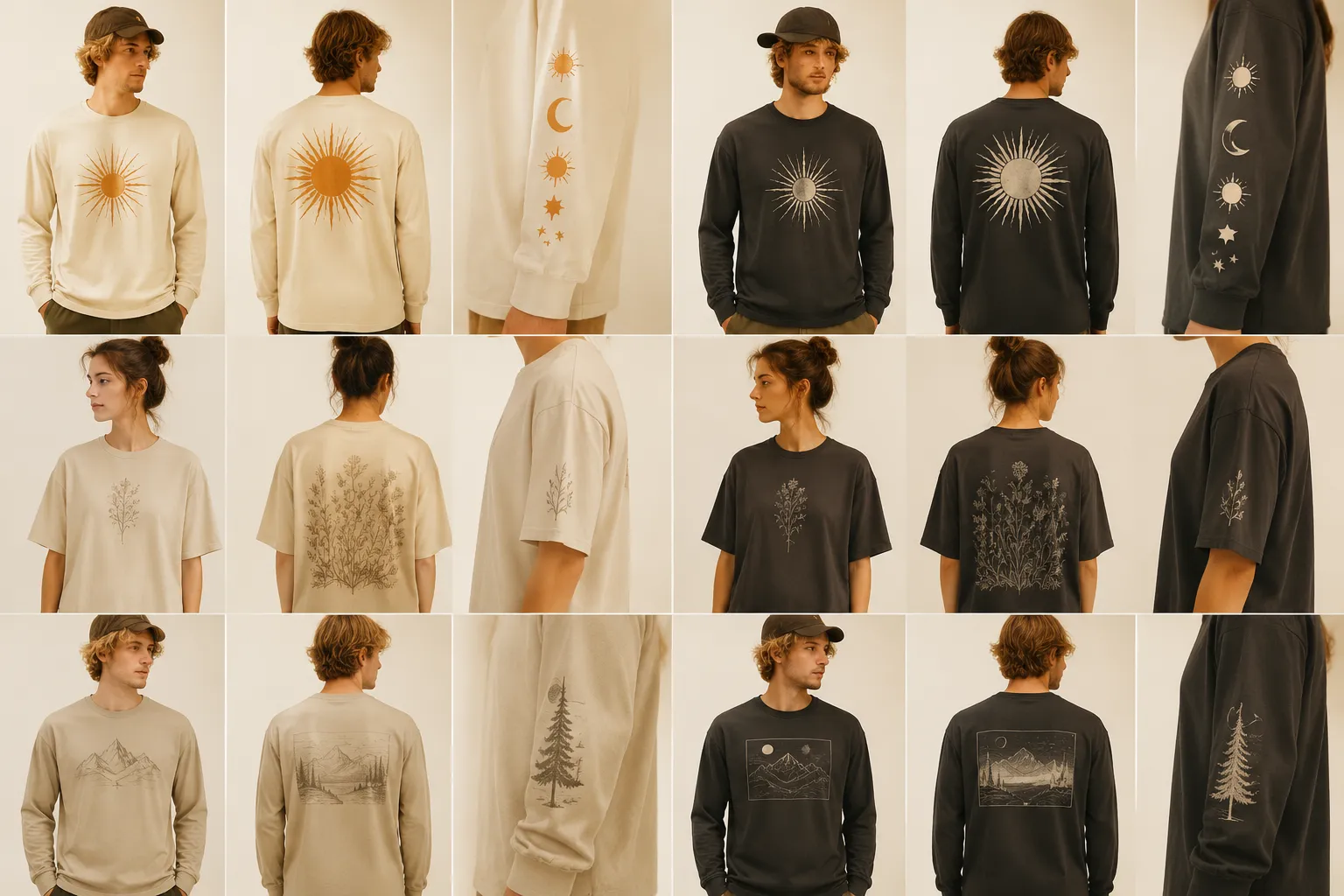
Compare placement across the full graphic set, not only on one garment. A placement that works for one design may break the rhythm of the collection when repeated.
- Visual center of each graphic.
- Relative scale across garments.
- Distance from seams, edges, or other garment features.
- Relationship between front and back placements.
- Whether the collection still reads as one set.
Use the current provider template for exact placement limits when one is available. A mockup shows an intended position, but it does not establish that the position fits the responsible provider’s requirements.
Separate Preference From Required Input
Write preferences as preferences:
- “The team prefers the smaller back placement.”
- “Option B feels closer to the collection intent.”
- “The darker garment tone gives the set a quieter appearance.”
Write required confirmations separately:
- Confirm the permitted print area.
- Confirm whether the selected artwork may be used.
- Confirm the sampled color result.
- Confirm the marketplace’s current image or product requirements.
- Confirm whether the production file matches the approved version.
Record the reason, not only the choice. This keeps a visual preference from becoming an unsupported rule.
The Apparel Collection Decision Log
The decision log records how an option moved through review. Preserve the input, decision, evidence stage, owner, and next action.
| Date or review pass | Option ID | Decision | Evidence used | Status | Owner | Open input | Next action |
|---|---|---|---|---|---|---|---|
Decision Labels
- Keep for comparison
- Revise
- Defer
- Remove from set
- Send for provider confirmation
- Send for sample
- Approve for the next internal stage
- Hold pending rights or policy review
Make the scope of any approval explicit. A team may approve the concept direction without approving the production file, sampled colorway, listing frame, or campaign asset.
Evidence and Status
Name the evidence used: collection intent record, simulated mockup, listing frame, campaign asset, provider template, physical sample, production record, marketplace guidance, direct confirmation, or team preference.
- Intended: the direction has been proposed.
- Simulated: the option appears in a digital presentation.
- Observed: the team has recorded a visible result from the current asset.
- Sampled: a physical item has been reviewed.
- Approved: the named reviewer or group has accepted the stated scope.
- Produced: the item has entered or completed the documented production stage.
A simulated mockup should remain labelled as a simulation. The evidence label tells the next reviewer what the asset can and cannot establish.
Open Inputs That Need Separate Confirmation
Some questions cannot be resolved by arranging artwork on a garment image. Put them in the open-input section and route them to the responsible party.
Provider Inputs
Record the provider, relevant template, print area, file requirements, garment options, and date checked. Specifications may vary, so attach the current source record to the option.
Physical Sample Inputs
Use a physical sample when the decision depends on fabric interaction, physical scale, placement feel, texture, or color appearance. Record which version was sampled and which differences remain visible.
Rights Inputs
Record the source of every supplied or referenced visual element. Leave rights status open until the responsible rights owner or reviewer confirms the permitted use. A concept preview does not establish that confirmation.
Marketplace Inputs
Record the relevant marketplace, product category, listing frame, image requirement, or usage term under review. Date the guidance because platform requirements may change.
Production Inputs
Record the production file version, approved option, garment specification, and manufacturing confirmation needed. Approval of a mockup does not establish that a produced garment will match it.
When the Mockup Stops Being Enough
A simulated mockup is useful for early comparison of concept hierarchy, relative scale, placement direction, garment-tone relationships, or collection cohesion.
- Move to a provider template when the decision depends on the actual printable area, file placement, or submission constraints.
- Move to a physical sample when the decision depends on fabric, texture, scale, color interaction, placement feel, or the visible garment result.
- Move to direct confirmation when the decision depends on rights, marketplace guidance, production capability, or another external rule.
The handoff should name the missing evidence instead of requesting “final approval” without scope.
Scoped Approval and Handoff
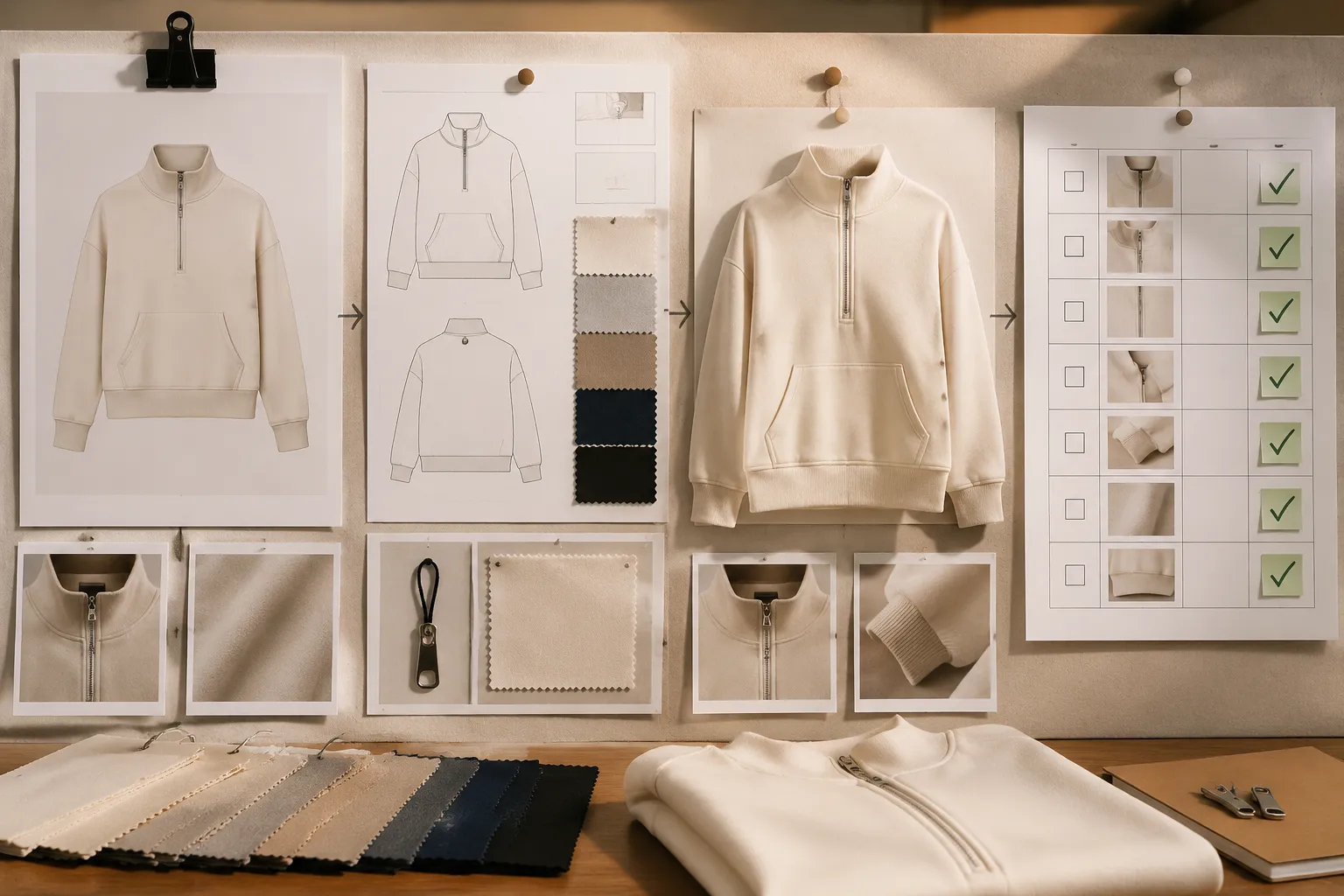
Before moving an option forward, record the following:
- Approved option: Identify the option ID and version.
- Approved scope: State whether approval covers intent, artwork, placement direction, colorway, mockup, sample, listing frame, or campaign asset.
- Evidence reviewed: List the assets and their stages.
- Open inputs remaining: Keep provider, rights, marketplace, sampling, or production questions visible.
- Approval owner: Name the responsible team or role in the project record.
- Next handoff: State the exact recipient and action.
Approve Option B for internal collection direction and listing-frame development. The placement is still simulated. Confirm provider print-area requirements and review a physical sample before treating the garment presentation as sampled.
End the review pass with one concise record:
- Decision made: what was kept, revised, deferred, or removed.
- Reason: the observable comparison that drove the decision.
- Evidence stage: intended, simulated, observed, sampled, approved, or produced.
- Open question: the unresolved input that could change the decision.
- Owner: the party responsible for confirmation.
- Next asset: template check, revised mockup, physical sample, listing frame, campaign asset, or production record.
- Return condition: what would send the option back for revision.
The useful stopping point is a record that lets the next person continue without guessing. Keep the apparel collection brief focused on intent, options, evidence stages, decisions, and open inputs; broader trend research, provider specifications, marketplace rules, rights review, production results, and sales analysis belong in their own confirmed records.